







Product Highlights

Bluetooth

Frequency Responses
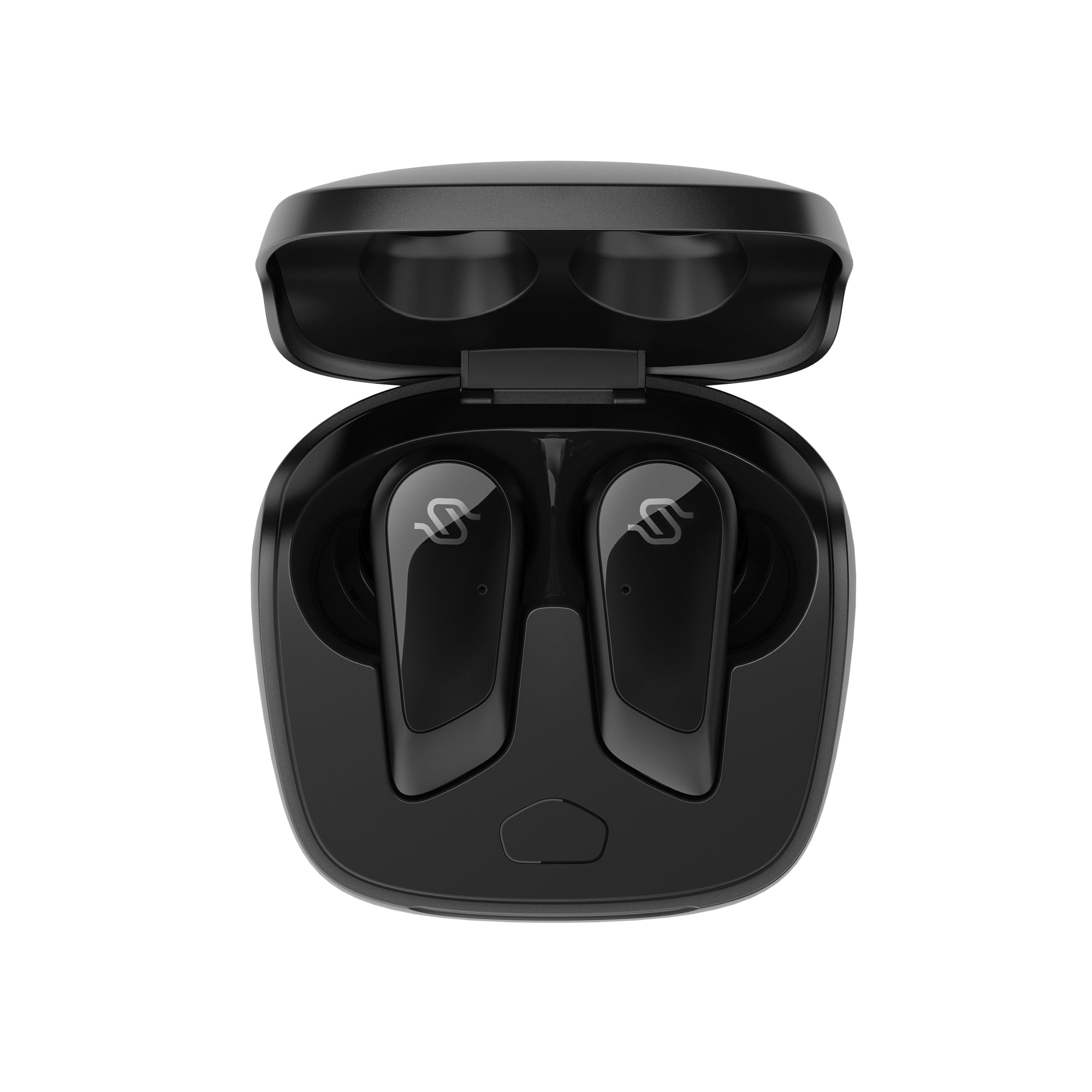
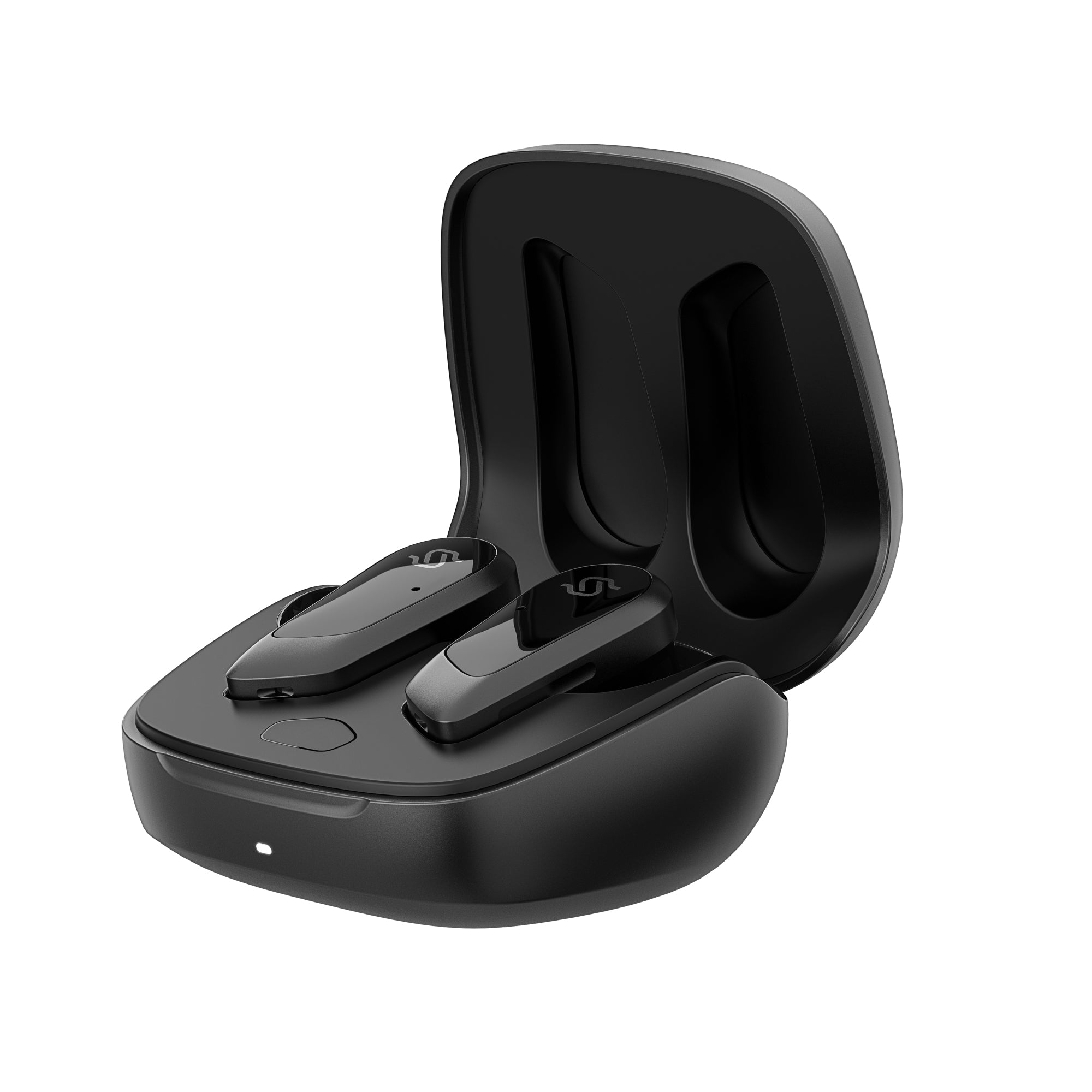
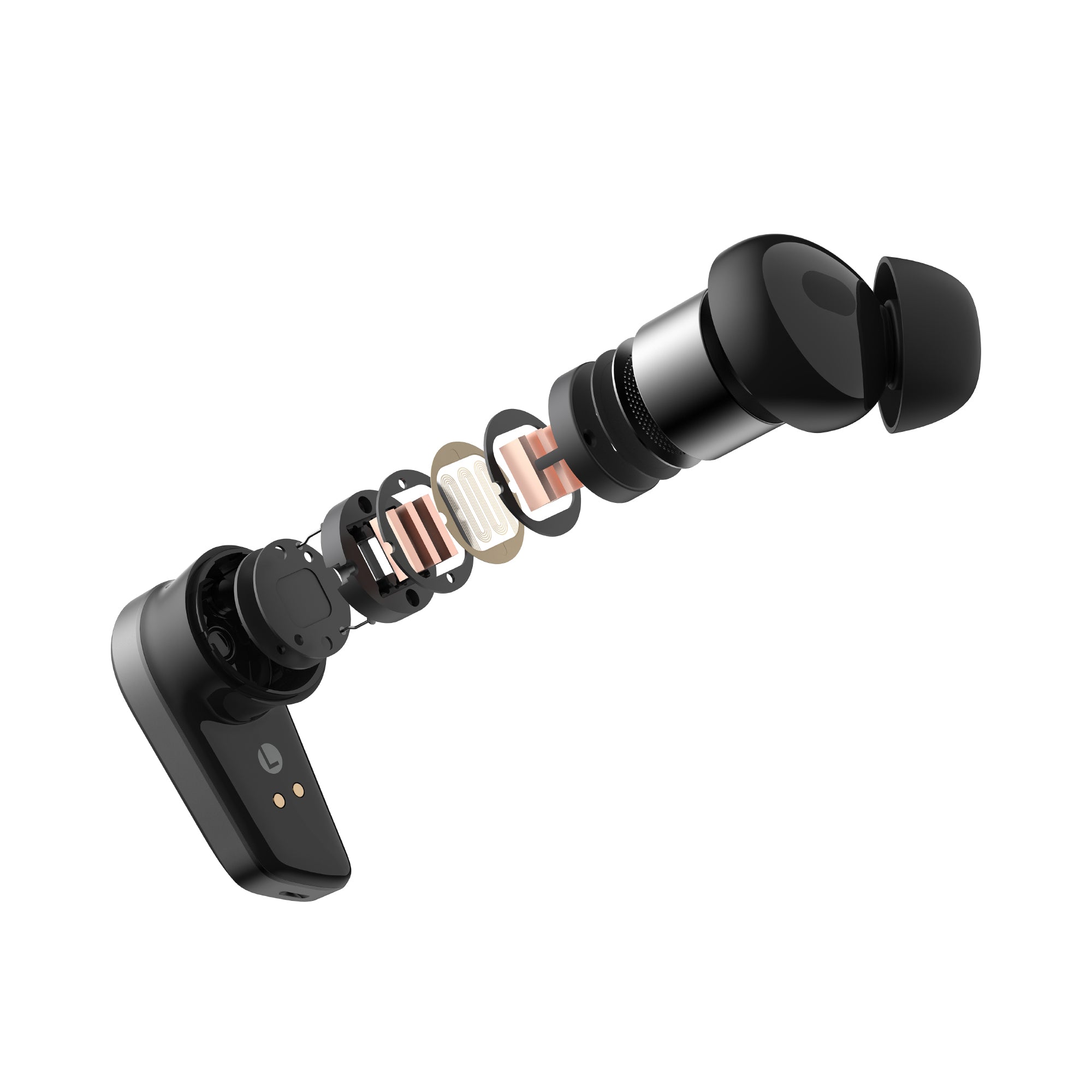
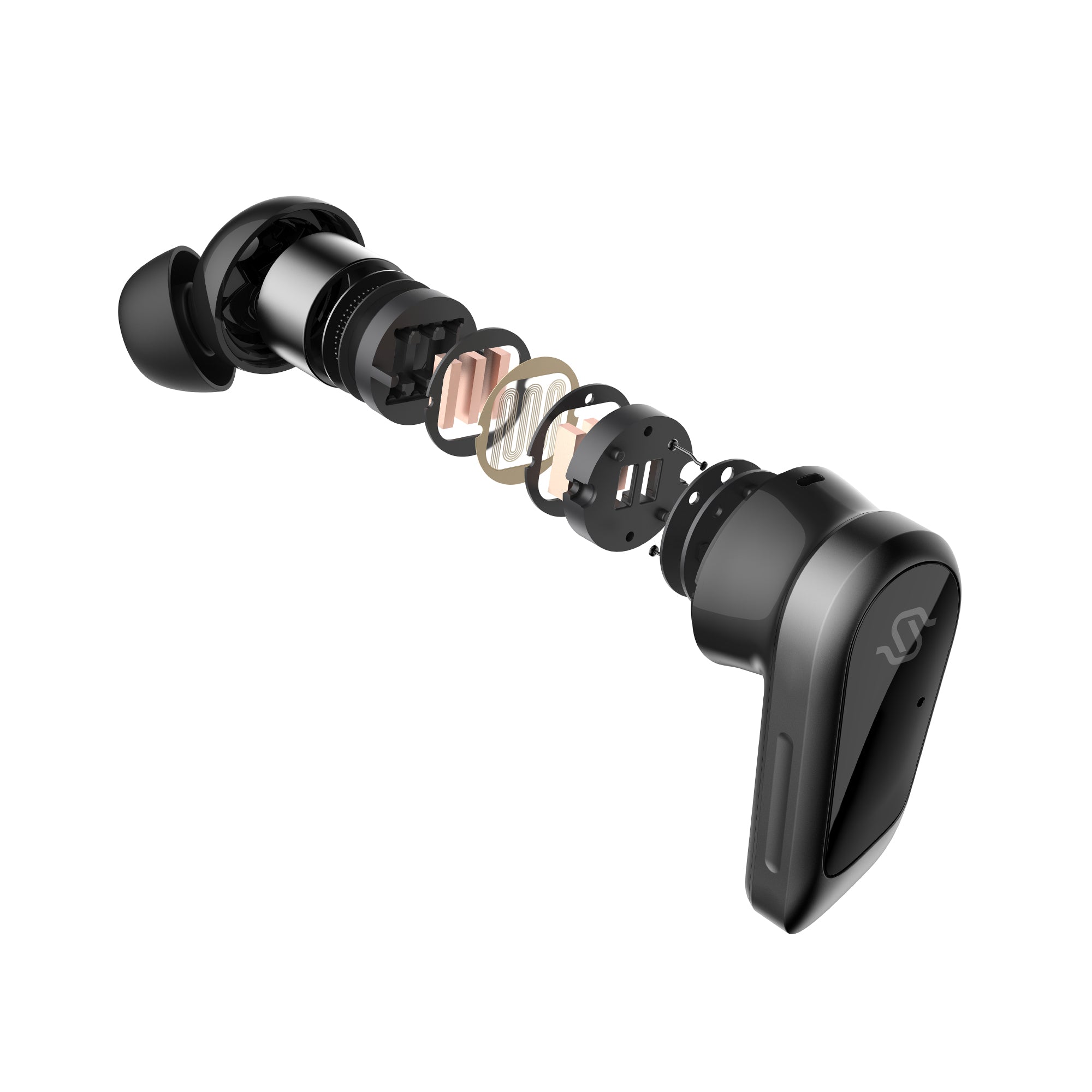
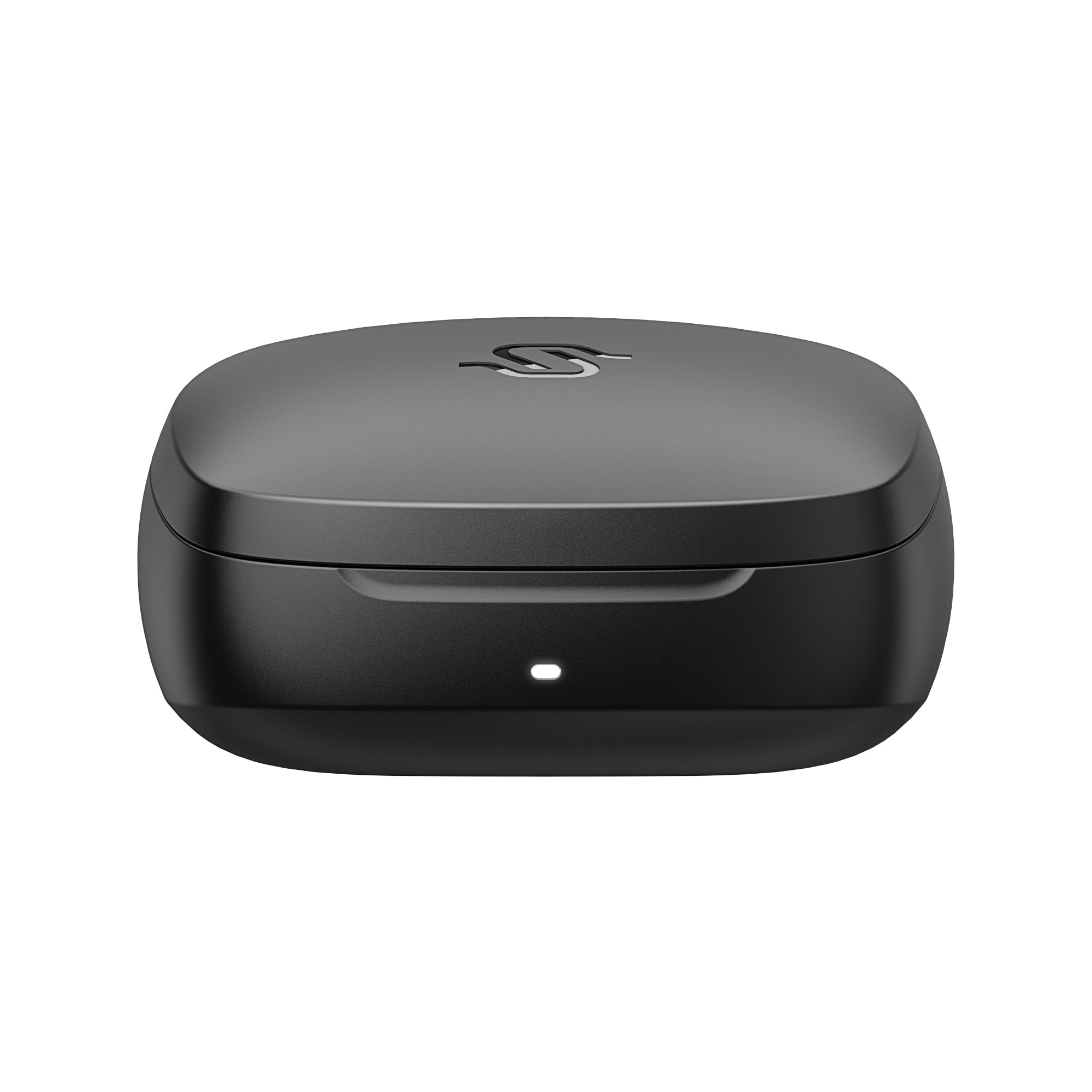
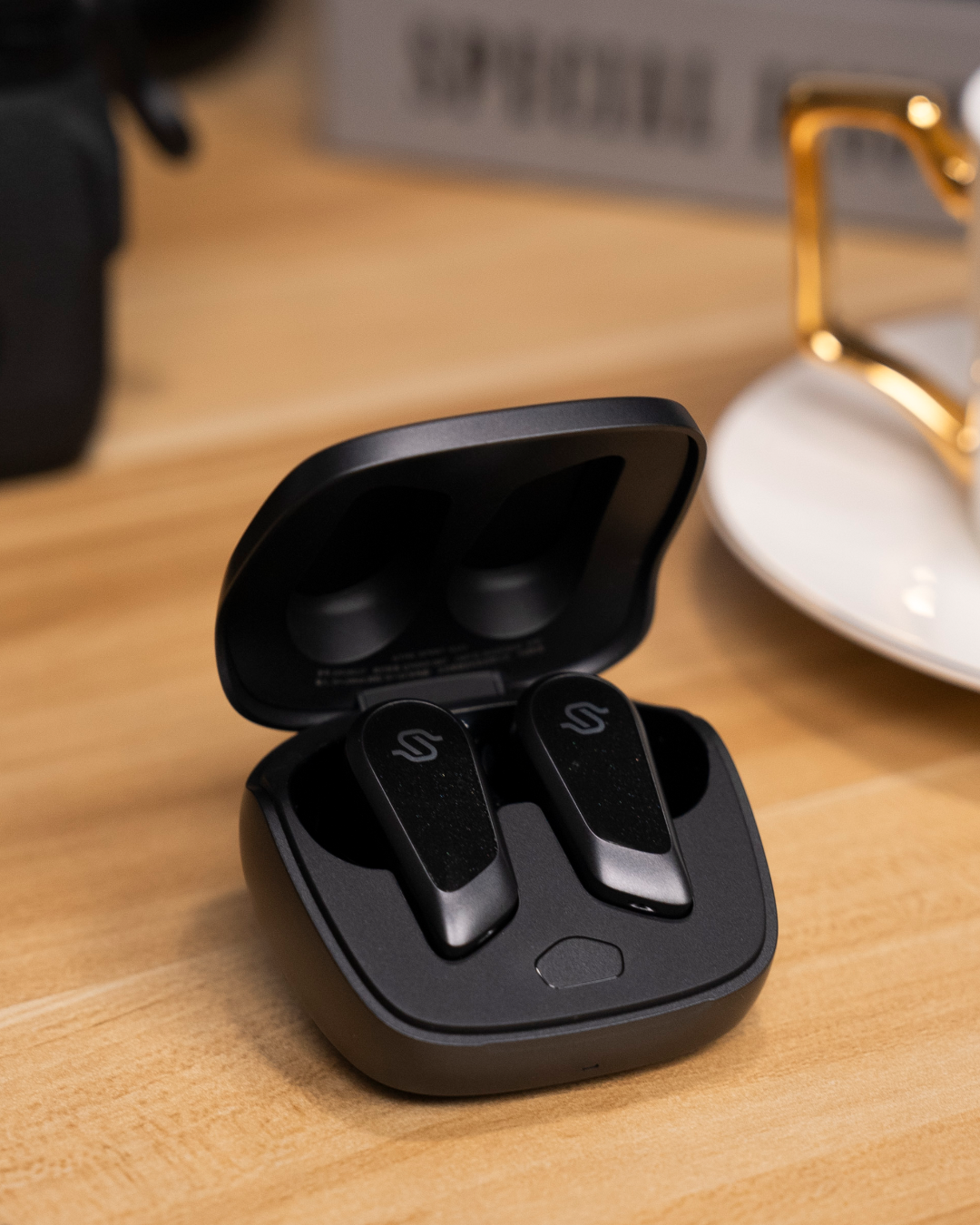
STAX SPIRIT S10
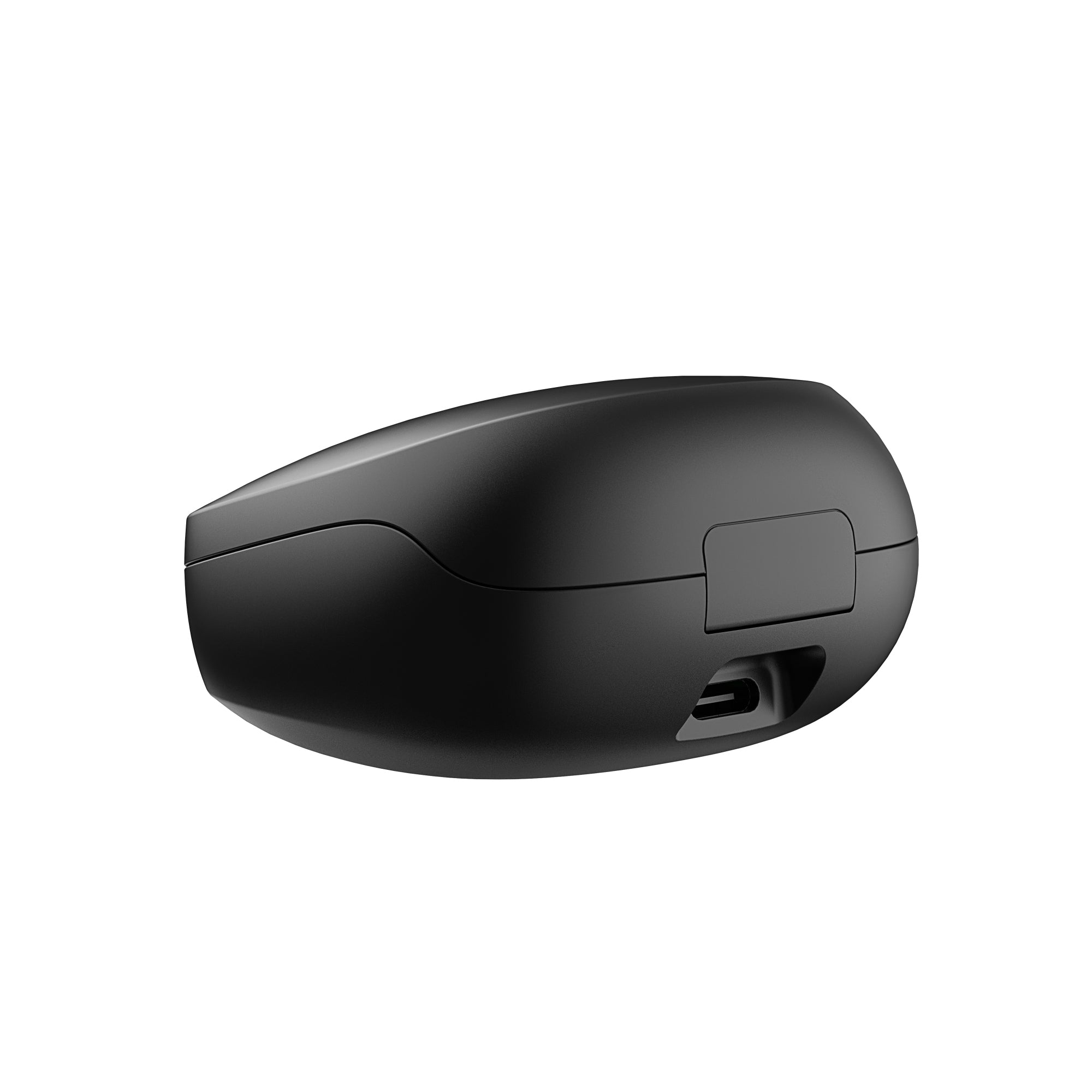
- Up to 28 hours of total playback with the charging case
- Fast charging support: 15 minutes delivers up to 2 hours of listening
- IP54 dust and splash resistance for everyday active use
- Bluetooth® V5.4 ensures stable, low-latency wireless performance
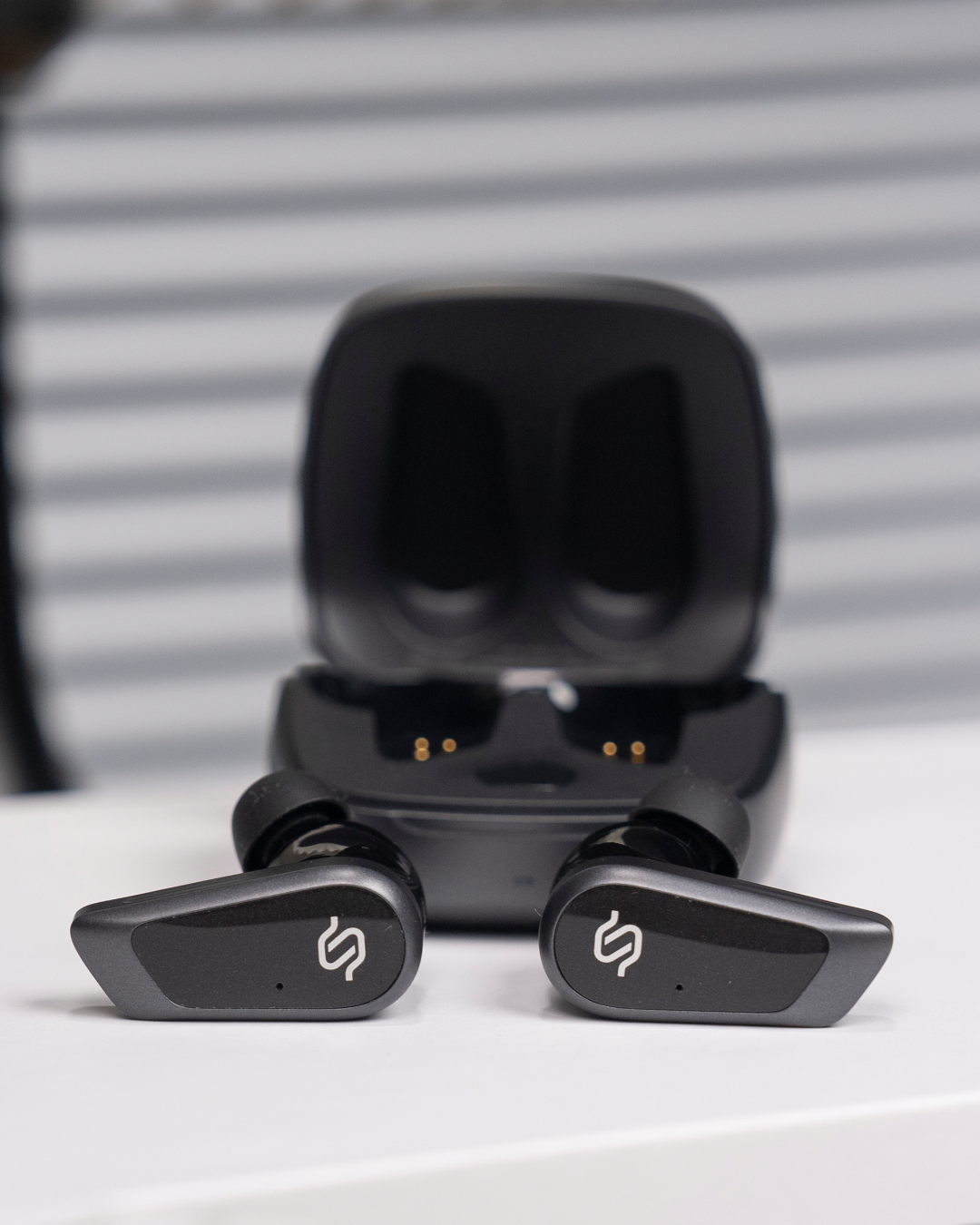
- Six-microphone system (three per earbud) for precise voice capture
- EDIFIER ConneX app support for EQ tuning and control customization
- Dual-device connectivity for seamless switching between two devices
Product Highlights
Bluetooth
Frequency Responses

Clear Calls.
Stable Connection.
Built for Every Day.
Crystal-Clear Calls Anywhere



Stable Bluetooth Performance

All-Day Power, Fast Charging
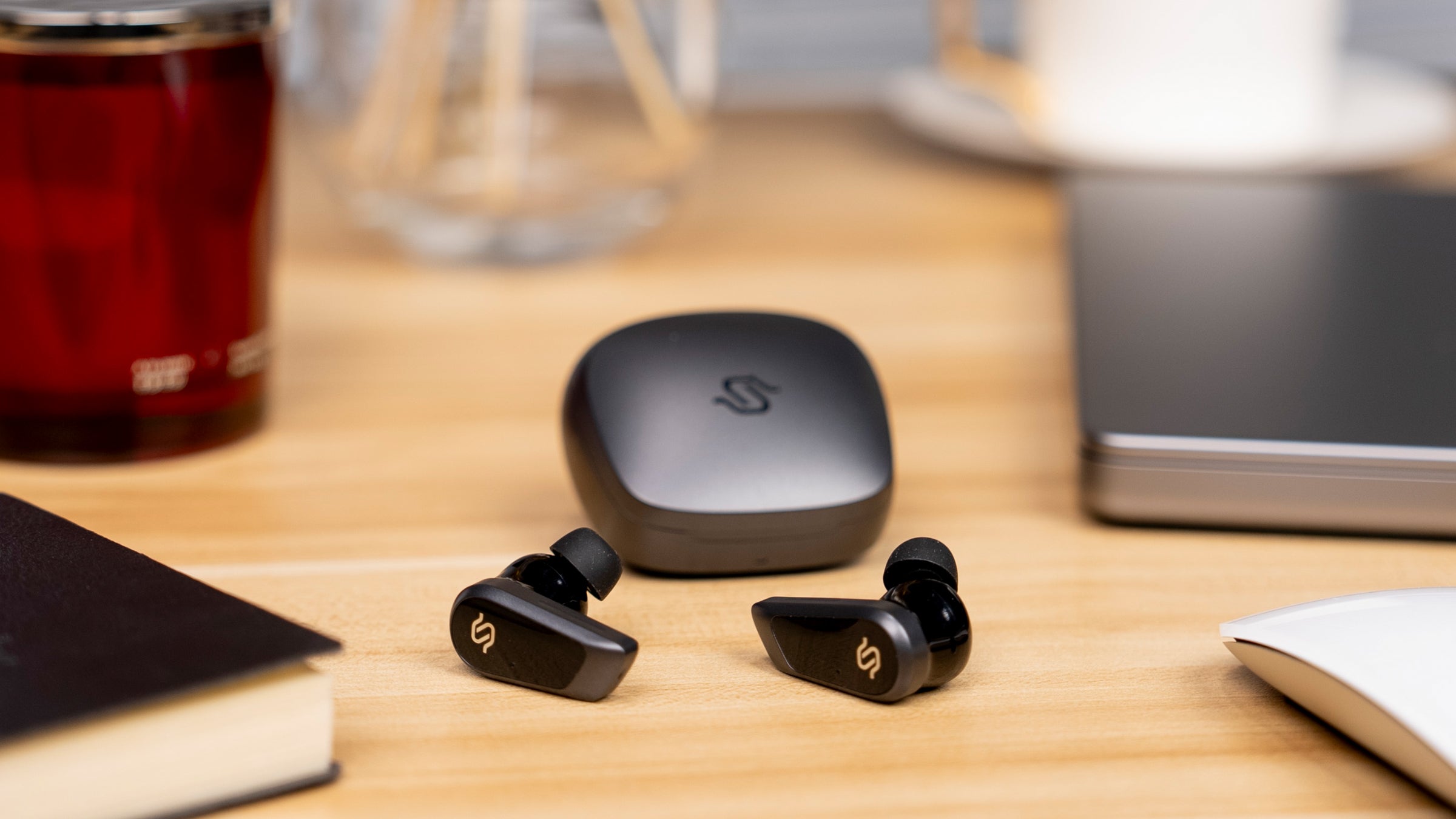
Seamless Switching & Gaming Ready
Tech Spec
General Specification
Audio Specification
Included in the Box

Earphone

USB Cable

User Manual


FAQs
Please read our FAQs page to find out more.
How long does shipping take?
Standard Shipping will take around 3-7 business days to be delivered.
NOTE: Actual delivery times are subject to courier schedules and are beyond our control.
Why do Speakers have no sound?
- Please ensure the main power is connected and the power outlet is switched on.
- Please ensure the audio cable is properly connected and the input is set correctly on the speaker.
- Turn up the volume of the speaker or audio device.
- Turn the speaker off and restart it.
- Try another device for audio playing.
- Please contact customer service for further assistance.
How do I place my speakers properly?
Place the speakers on a solid and stable plane, the height of which should be kept at a position parallel to the listener's ears, and the distance between the bass reflex hole and the wall should be at least 20-50cm. To get the most accurate sound and balance, the listener's best spot should be on the axis of the equilateral triangle formed by the left and right speakers. At the same time, you can adjust the angle of the speaker slightly to obtain a more ideal stereo effect
Why my Speaker sounds unbalanced?
- Some audio devices or App have left and right channel volume balance settings. When the channel settings are unbalanced, it will cause the left and right volume of the product to be unbalanced or no sound on one side. When the volume of the left and right speaker is inconsistent or there is no sound on one side, please check whether the volume balance settings of the left and right channels of the audio source device or the App are normal;
- The sound difference may caused by the audio you are playing. Please try some softer and soothing tracks to test the product to see if it is normal;
- It may be that the audio device system is abnormal. Please check whether there is any software or system that needs to be updated on the device. Please try to update to the latest version and use it to see if it can return to normal;
- Please try to connect the product to other audio devices to see if it returns to normal. If it returns to normal, it may be that there is some unknown abnormality in the original device, which causes the left and right volumes to be inconsistent;
- Please make sure the connecting cable is firmly connceted between the active and passive speaker;
- If there is still a problem after all the above steps are checked, it may be caused by an abnormality in the product itself.
-
Shipping Information
-
FAQs
-
Contact Us